

Avogadro Calculator
Calculate molar mass and number of particles from mass, moles, and Avogadro’s constant.
- SI definition of the mole: NA = 6.02214076 × 10²³ mol⁻¹.
- Core relations: N = n × NA, n = m / M, so M = m / n.
- Mass factors used: 1 µg = 1e-6 g, 1 mg = 1e-3 g, 1 dag = 10 g, 1 kg = 1000 g, 1 oz = 28.349523125 g, 1 lb = 453.59237 g.
An Avogadro’s number calculator converts an amount in moles to a number of specified particles—or reverses that conversion. Enter the known value above, choose the conversion direction, and label the result as atoms, molecules, ions, electrons, or formula units as the substance requires.
What Is Avogadro’s Number?
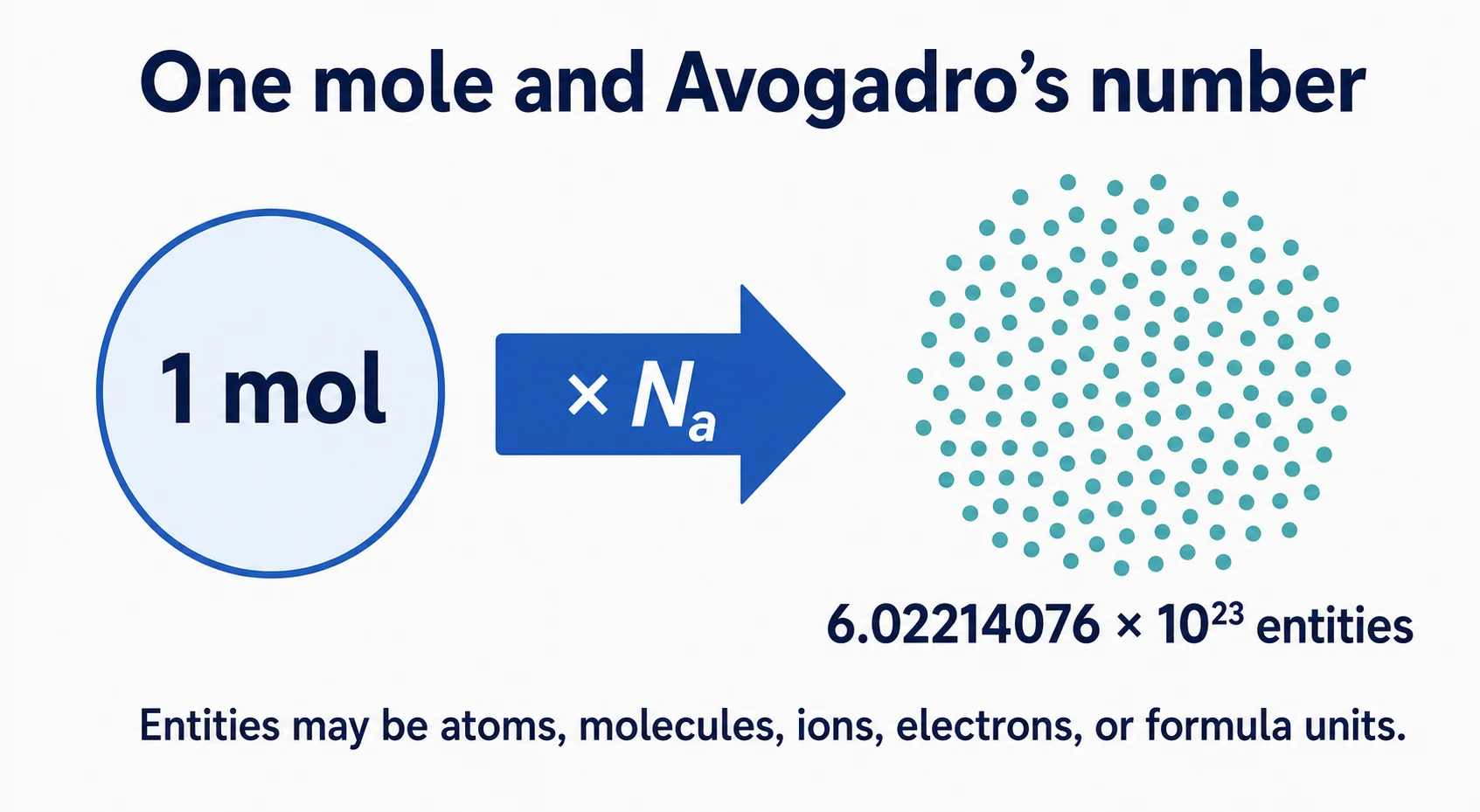
Avogadro’s number is the numerical value of the Avogadro constant: 6.02214076 × 10²³. Since the 2019 SI redefinition, the constant is exact and has the unit mol−1. One mole therefore contains exactly that many specified elementary entities.
The entities must be named. A mole can refer to carbon atoms, oxygen molecules, sodium ions, electrons, or formula units of an ionic compound. The number is the same; the identity of what is counted is not.
Moles to Particles Formula
To convert moles to representative particles:
Number of particles = moles × 6.02214076 × 10²³
For example, 0.25 mol contains 1.50553519 × 10²³ specified entities. The sensible number of significant figures in a reported answer still depends on the measured input, even though the Avogadro constant itself is exact.
Particles to Moles Formula
To calculate moles from a particle count:
Moles = number of particles ÷ (6.02214076 × 10²³)
If a sample contains 3.01107038 × 10²³ molecules, it represents exactly 0.5 mol based on those stated digits.
How to Use the Avogadro Calculator
- Identify whether the known value is moles or a particle count.
- Enter the value, using scientific notation for very large or small numbers.
- Select the correct conversion direction.
- State what the particles are when you record the answer.
- Round according to the precision of the measured data.
Atoms, Molecules, Ions, and Formula Units
Use “molecules” for molecular substances such as H2O or CO2. Use “formula units” for ionic compounds such as NaCl because they form extended lattices rather than discrete molecules. Elements may be described as atoms or molecules depending on their form: helium is counted as atoms, while elemental oxygen is commonly O2 molecules.
Stoichiometric subscripts can create a second counting step. One molecule of H2O contains two hydrogen atoms, so the number of hydrogen atoms is twice the number of water molecules.
From Mass to Number of Molecules
When mass is given, first convert grams to moles using molar mass:
Moles = mass (g) ÷ molar mass (g/mol)
Then multiply the moles by the Avogadro constant. For compound work, calculate molar mass from the correct chemical formula and current atomic-weight values. This calculator handles the mole–particle stage rather than determining the chemical identity of the sample.
Scientific Notation Tips
A particle count is usually enormous, so scientific notation keeps it readable. The value 6.02214076e23 means 6.02214076 × 10²³. Check the exponent sign: e23 and e−23 differ by 46 powers of ten.
Keep extra digits during intermediate steps and round only the final value. For related exponent operations, use the scientific notation calculator.
Exact Constant and Measurement Precision
The NIST SI definition assigns the Avogadro constant the exact value 6.02214076 × 10²³ mol−1. “Exact” does not make every laboratory result exact. Uncertainty can still enter through mass, purity, molar mass, calibration, and sample composition.
Common Avogadro Conversion Errors
- Dividing when converting moles to particles instead of multiplying.
- Multiplying when converting particles to moles instead of dividing.
- Calling ionic formula units molecules.
- Forgetting subscripts when counting atoms within a compound.
- Rounding the constant to too few digits before finishing the calculation.
Avogadro’s Number FAQs
Is Avogadro’s number exactly 6.022 × 10²³?
That is a common rounded form. The exact defined value is 6.02214076 × 10²³ per mole.
How many molecules are in one mole?
One mole of a molecular substance contains exactly 6.02214076 × 10²³ molecules. For an ionic substance, the counted entities are normally formula units instead.
Does Avogadro’s number change for different substances?
No. A mole always represents the same number of specified entities. What changes is the entity type and the mass of one mole of the substance.