

PayPal Fee Calculator
Calculate PayPal fees and net amount, or reverse-calculate required gross.
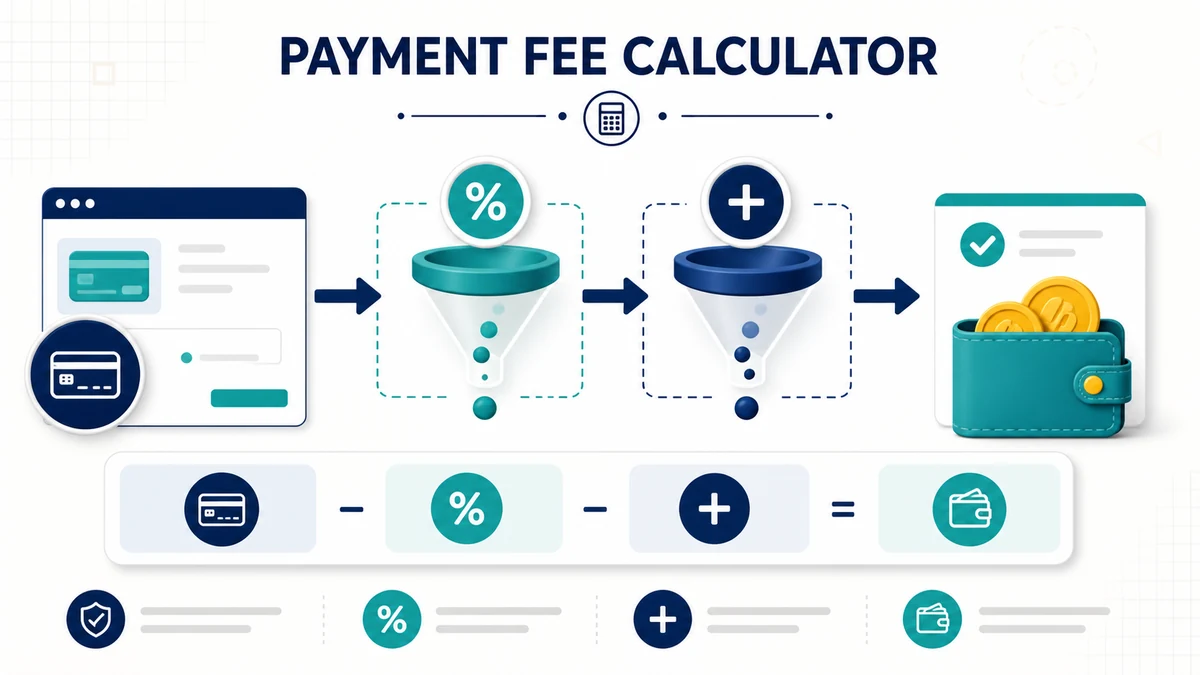
A PayPal fee calculator estimates transaction cost from a percentage fee plus any fixed component. Because rates vary by country, currency, account, transaction type and date, enter the terms shown for your payment rather than relying on an old default.
PayPal Fee Calculator Gross, Fee and Net Amounts
When a fee is percentage plus fixed amount, fee = gross × rate + fixed fee, and net receipt = gross − fee.
PayPal Fee Calculator Reverse Calculation
To receive a target net amount under that model, use gross = (target net + fixed fee)/(1 − rate). Round carefully because currency is charged in discrete minor units.
Choose the correct transaction category
Domestic commercial payments, international transactions, donations, micropayments, card processing and currency conversion may have different terms. Friends-and-family availability or cost also varies.
Worked example
With an illustrative 3% plus $0.30 fee, a $100 gross payment would produce a $3.30 estimate and $96.70 net. Replace those example inputs with current published terms.
Currency conversion is separate
A transaction fee estimate may not include exchange-rate spread or conversion charges. Compare the settlement currency, funding source and withdrawal method.
Verify before invoicing
Check the official fee page and your account agreement at the time of the transaction. This independent calculator is not affiliated with PayPal and cannot guarantee the final charge.
Gross, fee and net are three different amounts
The gross amount is what the sender pays before any processor deduction. The fee is the estimated percentage component plus fixed component. Net is what remains after that fee. Label all three in invoices and records so that a target receipt is not confused with the customer-facing request.
Why adding the fee is not the reverse formula
If the processor charges a percentage of the gross request, simply adding that percentage to a desired net leaves a shortfall because the fee is then calculated on the larger number. Dividing by 1 minus the rate accounts for this feedback. The fixed fee is added to the target before division under the standard model.
Rounding and currency details
Processors usually settle in the currency’s smallest unit, so a calculated amount may differ by a cent after rounding. Fixed fees may also vary with settlement currency. Run the calculation in the transaction currency and keep more precision internally before rounding the final request upward when a precise net target is required.
Recordkeeping for sellers
- Save the date and transaction category.
- Record gross sales, processor fees, refunds and net deposits separately.
- Reconcile estimates with the actual activity report.
- Do not treat payment-processing fees as sales tax.
- Review current terms before changing prices or invoices.
Cases requiring extra costs
International payments, chargebacks, refunds, card-funded transactions and currency conversion can introduce charges not represented by one percentage-plus-fixed formula. Taxes may be calculated on the sale under separate rules. Use this estimate for planning, then rely on the account’s actual transaction record for bookkeeping and customer disputes.
Use a date-stamped rate source
Fee schedules can change, and account-specific pricing may differ from a public headline rate. Save the official page or account notice used for the estimate and note its date. If a transaction crosses borders, confirm which party pays conversion costs. For a customer quote, consider stating that the final processor deduction is controlled by the provider’s current terms.
For related business planning, browse the finance calculator collection and verify every provider-specific fee separately.
PayPal fee calculator FAQs
Are PayPal fees the same worldwide?
No. Country, currency and transaction type can change the rate and fixed fee.
Why is a reverse calculation higher than adding the fee?
The percentage is charged on the larger gross amount, so simple addition understates the request.
Does this include taxes?
No unless you add them separately. Transaction fees and sales taxes are different items.
Keep a dated copy of the applicable official PayPal fee schedule.